How to Turn a Customized Digital Catalog into a Year-Round Sales Tool

A customer may know you for Business Cards but not realize you can also help with Labels, Packaging, Folders, Signs, Event Tickets, or holiday print. That gap represents an opportunity – and a customized digital catalog can help you close it.

Personalized digital catalogs give customers an easy way to explore more of what you offer while keeping your company name, logo, and contact information connected to the experience. But creating the catalog is only the beginning. Its value grows each time you use it to support prospecting, follow-up, account reviews, seasonal outreach, and cross-selling.

Let’s walk through how to turn a customized Navitor catalog into a sales resource you can use throughout the year.

Your customers may know only part of what you sell

Most customers develop a narrow picture of their vendors based on what they’ve already purchased. A customer who orders Business Cards may think of you primarily as a stationery resource. One who buys Labels may not realize you can also help with Packaging Tape, Hang Tags, or other packaging products.

Sending a customer an entire catalog without context may not change that perception.

Instead, connect what the customer already buys to a logical next category.

For example:

Each relevant category you introduce creates another opportunity to expand the account, increase order frequency, and keep more of the customer’s print business connected to you.

A digital catalog gives you a convenient way to show those connections. Rather than simply saying, “We offer more,” you can direct the customer to specific pages that relate to an upcoming project, business need, or conversation.

Personalization keeps the opportunity connected to you

A supplier catalog may contain useful product information, but your customer should also know whom to contact when an idea catches their attention.

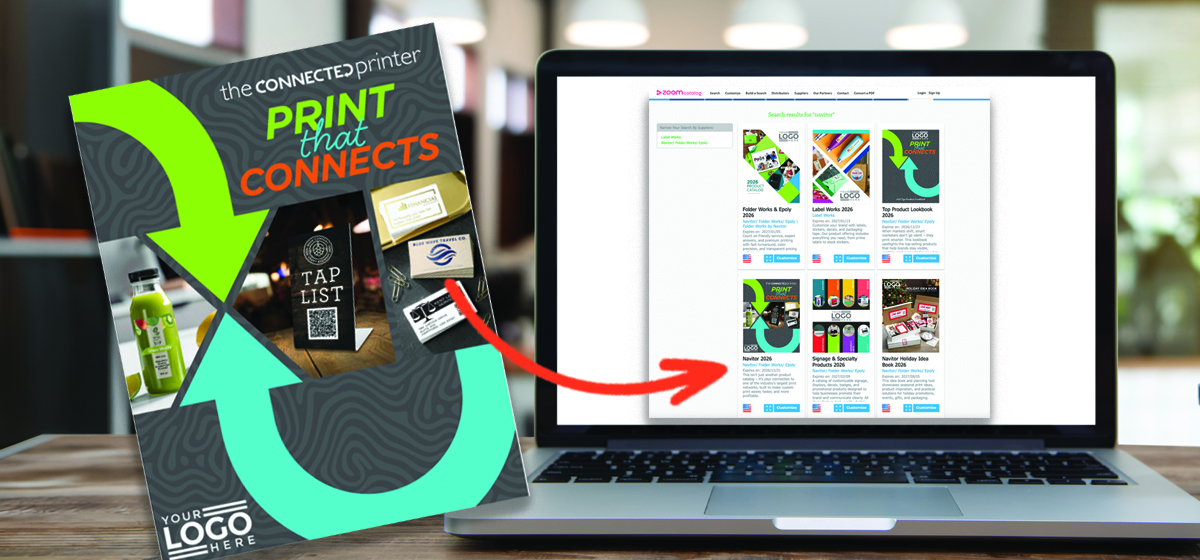
ZOOMcatalog allows you to personalize Navitor catalogs with your company information, including your logo and contact details. The result is a customer-facing resource that keeps your business visible as customers browse products and consider possibilities.

That personalization serves several practical purposes:

  • It gives customers a clear path back to you.
  • It reinforces your role as their print resource.
  • It helps the catalog feel relevant to your business relationship.
  • It allows you to share professionally presented product content without creating a catalog from scratch.

If you haven’t customized a catalog before – or could use a quick refresher – watch this short catalog-customization tutorial.

The live link gives customers the latest catalog version

Navitor’s 2026 Digital Catalog receives quarterly updates on ZOOM. When you share your customized ZOOMcatalog link, those updates flow into the online version your customers see.

A downloaded PDF works differently. It is a static copy saved at the time of download, just like any other file stored on a computer. Changes made later can’t be added to a PDF that has already been downloaded.

That makes the live link the best choice for most ongoing sharing:

  • Customers see the latest available catalog version.
  • You don’t have to redistribute a new file after each quarterly update.
  • The same link can continue working in emails, proposals, social posts, and website resources.
  • Customers can browse online without managing a large attachment.

A PDF can still be helpful when someone needs an offline or printed copy. For everyday digital sharing, however, use your live ZOOMcatalog link whenever possible.

Customize a Navitor Catalog on ZOOM

Digital catalogs are easier to keep in circulation

Printed catalogs have an important place in sales conversations, especially when customers prefer a physical resource. Digital catalogs add another advantage: they can travel almost anywhere your customer communications go.

A single catalog link can support:

  • Prospecting emails
  • Post-meeting follow-up
  • Proposals and quotes
  • Account-review conversations
  • Newsletters
  • Social media
  • Email signatures
  • Resource sections on your website
  • Seasonal campaigns

Because the catalog is available through a link, you can share it repeatedly without attaching a large file. You can point customers to the categories or page numbers most relevant to them rather than expecting them to search through the entire catalog.

The goal is not merely to make the catalog available. The goal is to give it a specific role in your sales activity.

Suggested pricing provides a starting point

Navitor digital catalogs include suggested retail pricing to give customers a useful reference as they explore products and consider their needs. These prices are suggestions only; you remain in control of the final prices you quote to your customers.

Actual pricing may vary based on quantity, product specifications, customization, production requirements, shipping, service needs, local market conditions, and other factors. This flexibility allows each distributor to price appropriately for their business, market, and the value they provide.

When sharing a catalog, you can set expectations with a simple message such as: “The catalog includes suggested retail pricing for general planning purposes. Contact us for recommendations and a personalized quote based on your specific project.”

Seven practical ways to share your customized catalog

Once your catalog is personalized, put it into circulation with these seven approaches.

1. Add it to account follow-up emails

After a meeting or sales call, send the catalog with a brief note directing the customer to products related to your conversation. Try: “Based on what we discussed, pages XX–XX may give you a few additional ideas. If something catches your attention, I can help you explore the options.”

2. Share it before planning meetings

Send the catalog before an annual, quarterly, or seasonal planning conversation. Giving customers time to browse may lead them to identify needs that would not have surfaced during the meeting alone.

3. Include it with proposals

A proposal may focus on one immediate project, but the catalog can introduce additional ways you can help. Position it as an ideas resource rather than an unrelated attachment.

4. Feature one product category at a time

Don’t feel obligated to promote the entire catalog in every message. Highlight a different category in monthly emails, newsletters, or social posts, then link customers to the relevant section.

A focused introduction is often more useful than a general invitation to browse hundreds of products.

5. Add it to your website

Include your customized catalog in a resources, products, or capabilities section. This gives current customers and prospects a convenient way to explore your print selection while keeping your contact information within reach.

6. Reconnect with inactive customers

A personalized catalog gives you a practical reason to reach out beyond the usual “checking in” message.

Try: “I wanted to share our current digital print catalog. It includes a wide range of ideas we can help you explore, and I thought it might be useful as you plan upcoming projects.”

7. Use focused editions when timing matters

A comprehensive catalog supports year-round discovery. A seasonal idea book gives you a more timely reason to initiate a conversation.

Use both roles strategically: the main catalog can remain in regular circulation, while focused editions can support specific campaigns, industries, or selling seasons.

Use the Holiday Idea Book to start timely conversations

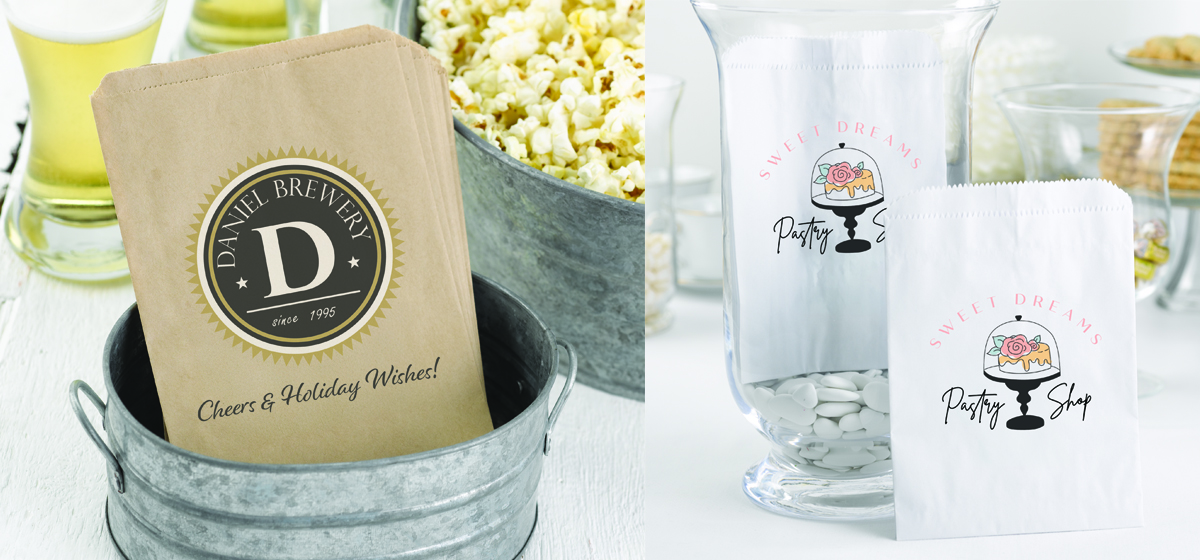
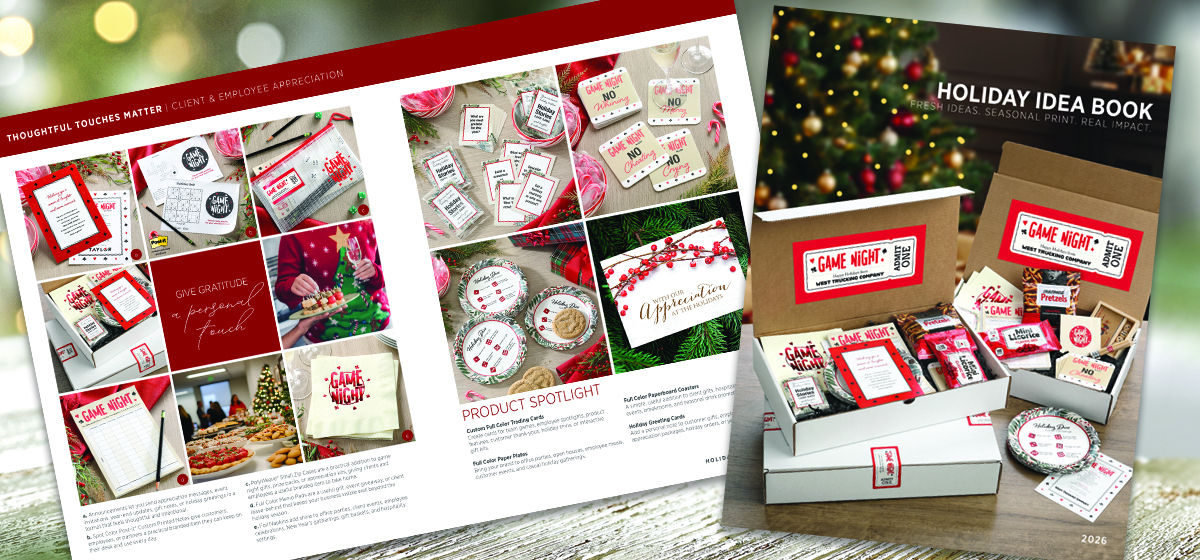
The new Holiday Idea Book is also now available on ZOOM. It brings together print ideas for celebrations, appreciation, events, gifting, packaging, promotions, and year-end communications.

Customize it with your company information and use it to begin conversations before seasonal plans and deadlines are firmly set.

You might introduce it with a message like this:

Holiday planning is starting, so I wanted to share a collection of print ideas for upcoming events, gifting, packaging, promotions, and year-end communications. If something catches your attention, I can help you explore the options.

The Holiday Idea Book can support several types of outreach:

  • Email it to customers who ordered holiday print last year.
  • Share it before seasonal planning meetings.
  • Highlight one product spread at a time on social media.
  • Add it to quotes and follow-up emails.
  • Send it to organizations planning employee, donor, or customer appreciation programs.
  • Use it to introduce holiday categories to customers who currently purchase only year-round essentials.

Seasonal relevance provides a natural reason to reach out now without relying on artificial urgency.

Customize once. Keep finding reasons to share

A personalized digital catalog shouldn’t just sit quietly on a website waiting to be discovered. Treat it as an active part of your sales process.

Use it to answer “What else do you offer?” Direct customers to categories related to what they already buy. Add it to follow-up messages and proposals. Share focused editions when the timing supports a new conversation.

Most importantly, share the live ZOOMcatalog link whenever possible so customers can access the latest available version, including Navitor’s quarterly updates.

Extend Your Outreach Beyond the Catalog

Your customized catalog can serve as the centerpiece of a larger marketing effort. Navitor’s searchable image library gives you access to product imagery you can use in your own emails, website content, and social media posts. Choose images that support the products or markets you want to promote, then link your content back to your customized catalog so customers can continue exploring.

Explore the Image Library

Customize the 2026 Navitor Digital Catalog and Holiday Idea Book on ZOOM, add your company information, and give customers more print ideas to explore – with your company information connected to every idea.


5 Print Staples Retailers and Small Businesses Keep Coming Back For

Retailers and small businesses don’t usually wake up thinking, “We should order more print today.”

They realize they have a new employee who needs business cards. A seasonal promotion that needs to be announced. A product that needs a label. An event that needs signage. Or a stack of envelopes that’s getting dangerously low.

The print order follows the change.

For you, that’s an important distinction. The best opportunity may not begin with a customer asking for a specific printed product. It may begin with a new hire, an updated offer, a product launch, a busy season, or a change in how the business serves its customers.

Pay attention to what’s changing, and you will often find the next print need.

Consider it your Reorder Radar: a way to recognize the business moments that lead retailers and small businesses back to practical, frequently used print products.

Here are five categories that deserve a regular place in those conversations.

1. Business Cards: When the Team or Contact Information Changes

Business cards remain one of the most familiar printed pieces, but the opportunity extends well beyond placing a name and phone number on cardstock.

They support networking, appointments, sales calls, vendor meetings, events, referrals, and everyday introductions. They also give you an easy reason to check whether other branded materials need attention.

Common business card order triggers include:

  • A new employee joins the team.
  • An existing employee receives a new title.
  • The company changes its address, phone number, or website.
  • A new location opens.
  • The business refreshes its branding.
  • A conference, trade show, or networking event is approaching.

Rather than moving directly to quantity and stock, ask:

“Is this update for one person, or are there other team members and materials that need the same changes?”

A new business card order may uncover outdated name badges, letterhead, envelopes, presentation folders, or notepads. If the logo, address, or contact information has changed in one place, it may need to change in several others.

Business cards are often the first request. A coordinated brand update may be the bigger opportunity.

2. Flyers, Brochures, and Postcards: When the Offer Changes

Retailers and small businesses are constantly giving customers reasons to pay attention.

They introduce services, run promotions, prepare for community events, update menus, announce openings, explain products, and remind customers what makes the business useful.

Flyers, brochures, and postcards can support all those needs.

These pieces may be handed out, displayed at the counter, inserted into bags or shipments, included in presentation folders, distributed at events, or used by sales representatives as leave-behinds.

Listen for order triggers such as:

  • “We’re launching a new service.”
  • “We have a summer promotion coming up.”
  • “We’re participating in a local event.”
  • “Our pricing or product selection has changed.”
  • “We need something customers can take with them.”
  • “We need to explain this more clearly.”

A helpful follow-up question is:

“Where will customers encounter this message, and what do you want them to do next?”

The answer can help determine whether the customer needs a flyer, brochure, postcard, rack card, door hanger, table tent, poster, or combination of pieces.

It may also create an opportunity to connect print with digital content. A QR code on a brochure, flyer, table tent, label, or postcard can send customers to an appointment page, menu, online store, product demonstration, special offer, event registration form, or review site.

The printed piece gets attention. The digital destination provides the next step.

More Ways to Support Small Business Customers

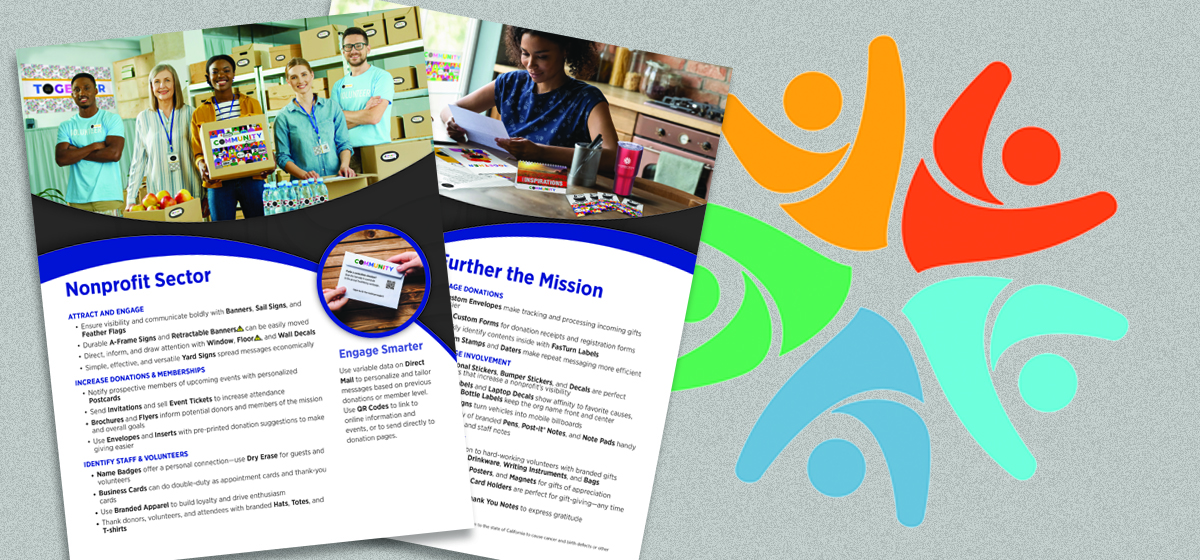
From everyday brand materials to promotional pieces and customer communications, Navitor’s Small Business Industry Flyer can help you start broader conversations and identify more ways to support local businesses.

Explore Small Business Ideas

3. Labels and Hang Tags: When the Product Changes

For retailers and product-based businesses, the product itself creates a steady stream of print needs.

New varieties need labels. Seasonal merchandise needs hang tags. Updated packaging needs revised information. Special editions, product launches, and expanded inventory may require entirely new versions.

Custom labels and hang tags can help businesses communicate:

  • Product names and varieties
  • Pricing
  • Ingredients or instructions
  • Sizes and specifications
  • Promotional messages
  • Brand information
  • Seasonal or limited-edition details

Because products and inventory change, these pieces often create solid reorder potential.

When a customer requests labels or hang tags, ask:

“Where does the product go after this piece is applied?”

Does it sit on a shelf? Hang on a display? Go into a shipping envelope? Get packed into a folded carton? Travel directly to the customer? Appear at a market, event, or retail counter?

That one question can broaden the packaging conversation.

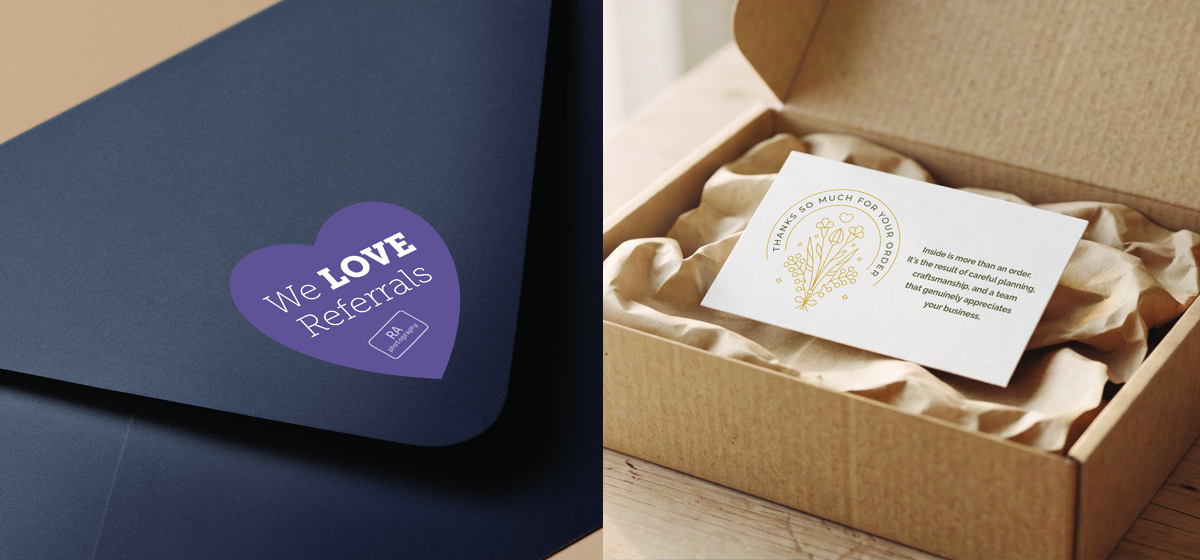
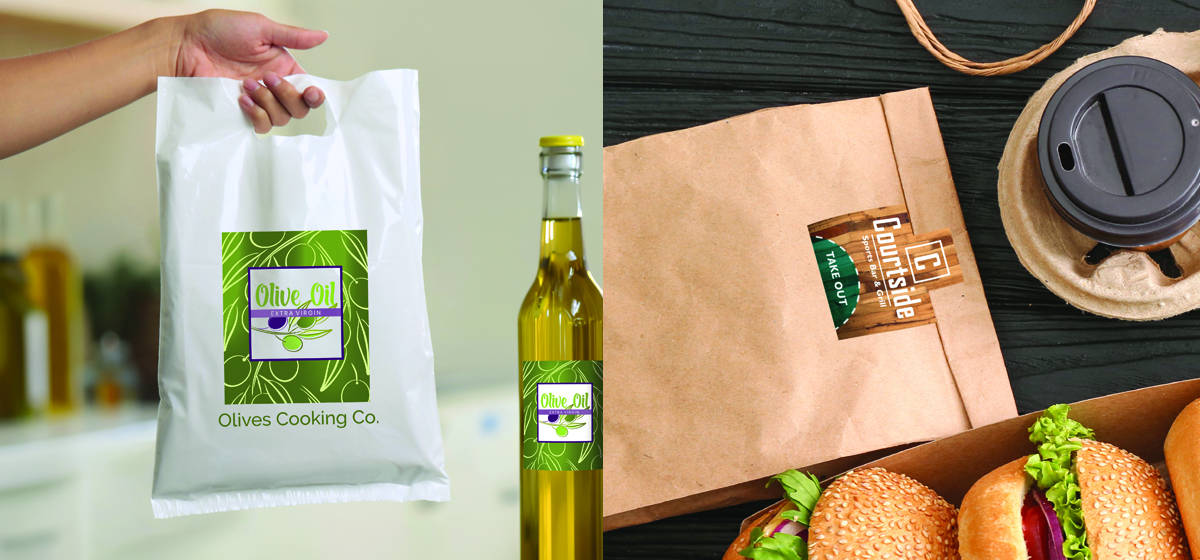
A label request may lead to hang tags, decals, branded packaging tape, shipping envelopes, or folded cartons. The right combination depends on what the product needs to communicate, how it is sold, and how it reaches the buyer.

Your role is not to add packaging elements simply to increase the order. It is to help the customer identify which pieces make the product easier to recognize, understand, handle, display, or ship.

4. Posters, Banners, and A-Frames: When the Space Changes

Retailers and local businesses need to communicate with customers before they enter, as they move through the space, and when they reach the point of purchase.

That makes signs and displays a recurring need rather than a one-time purchase.

Posters, banners, and A-frame or sandwich-board signs can help announce:

  • Sales and limited-time offers
  • Grand openings
  • Seasonal promotions
  • New products or services
  • Events
  • Business hours
  • Pickup instructions
  • Wayfinding information
  • Temporary operational changes

The right sign depends on where the message needs to work.

Ask:

“Where does someone need to see this – from the street, at the entrance, inside the location, or near the point of purchase?”

A message aimed at passing traffic may call for an A-frame sign or a banner. A customer already inside the business may be better reached with a poster, pedestal sign, table tent, counter sign, or decal.

The need may also extend beyond the sign itself.

A sidewalk sign announcing a promotion could be supported by matching posters inside, flyers customers can take home, counter materials that explain the offer, and labels that carry the promotion through to the product.

Think about the full path:

What gets someone to stop? What helps them understand the message? What gives them a next step?

That’s where one signage request can become a more coordinated promotion.

Take the Retail Conversation Beyond One Product

Navitor’s Retail Industry Flyer brings together print ideas for storefront visibility, in-store promotions, product presentation, packaging, and everyday customer communication.

Explore Retail Ideas

5. Letterhead, Envelopes, and Notepads: When the Business Changes

Promotional print may receive more attention, but the materials businesses use every day can create some of the most dependable reorder opportunities.

Letterhead, envelopes, and notepads support customer correspondence, proposals, estimates, appointments, internal communication, sales meetings, and routine business operations.

They’re practical, visible, and frequently replenished.

Order triggers may include:

  • A change in branding
  • New contact information
  • A new office or location
  • Updated customer packets
  • Growth in staff or sales activity
  • Changes to business processes
  • Inventory running low
  • A new need for branded correspondence

A useful question is:

“Which materials does the business use repeatedly, and which ones still show outdated branding or information?”

A letterhead update may reveal that envelopes, folders, forms, business cards, notepads, or stamps also need attention.

This is especially helpful for customers who update items one at a time. A quick review can help them avoid using an old address on one piece, a former logo on another, and current branding everywhere else.

The opportunity is not about making everything match for appearance alone. It is about helping the business communicate accurately and consistently wherever customers encounter it.

Listen for the Change Behind the Request

The five categories above are useful because they connect to events that happen repeatedly in retail and small business.

When a customer says:

  • “We hired someone new.”
  • “We are running a promotion.”
  • “We added a product.”
  • “We have an event coming up.”
  • “We changed our logo.”
  • “We are opening another location.”

A print conversation is probably close behind.

The product they request may be only the first item they have considered.

What They Asked For – and What May Come Next

Imagine a local boutique contacts you for labels for a seasonal product line.

The immediate need is clear. But a few questions may reveal that the collection will also have hang tags, an in-store launch, and online orders.

Now the conversation may include:

  • Product labels
  • Hang tags
  • An A-frame sign announcing the launch
  • Posters inside the store
  • Promotional postcards placed in customer bags
  • Branded packaging tape for online shipments

Or consider a service-based small business ordering business cards for a new employee.

A conversation about how the employee will work with customers may uncover a need for:

  • Presentation folders for estimates
  • Branded notepads for appointments
  • Door hangers for neighborhood outreach
  • Flyers explaining key services
  • Updated name badges or stationery

Neither conversation requires an aggressive sales pitch. It requires curiosity.

You ask: “What changed, where the printed piece will be used, and what else supports the same goal?”

Build Repeat Business by Making the Next Need Easier to See

Retailers and small businesses keep returning to these print staples because their businesses keep moving.

Employees join. Offers change. Products launch. Promotions rotate. Information gets updated. Supplies run out.

Resellers who understand those patterns can become more useful long before the customer searches for a specific product.

On your next customer call, try asking:

“What is changing in the business right now?”

The answer may point directly to the product they requested. It may also reveal a need they have not considered yet.

That’s where repeat business often begins – not with a product pitch, but with a better question.


Discover all that Navitor has to offer today. You’ll be glad you did.


The Idea Book That Helps Customers See the Whole Season

The holiday season has a way of arriving early. Retail displays appear before the weather changes. Restaurants start planning seasonal menus while customers are still enjoying summer. Nonprofits begin mapping out year-end giving campaigns months … [Continue reading]

Selling Print Like a Problem-Solver

Consultative selling gets talked about a lot, but the idea is simple: instead of reacting to the order in front of you, you ask better questions, look at the bigger picture, and recommend print based on what the customer is trying to … [Continue reading]

How to Identify Your Target Market in 6 Easy Steps

Most resellers can sell print to almost any business.  That’s both the opportunity and the trap.  When your product mix includes business cards, envelopes, labels, folders, forms, signs, banners, badges, stamps, decals, marketing materials, … [Continue reading]

Not All Labels Are Created for the Same Job

When a customer says, “I need labels,” the best next question isn’t “What size?” It’s: “What does the label need to do?” Because “labels” can mean a lot of things. A barcode label in a warehouse has a very different job than a foil stamped … [Continue reading]

Our History: How Navitor Came to Be

Every company has its unique story and history that shapes who they are, how they operate, and what they value. Navitor is no exception. As a recognized leader in wholesale printing, we are often asked: Who is Navitor? Where does the name … [Continue reading]

Spring and Summer Events: How to Solve More Customer Needs

Spring and summer event season creates a familiar kind of pressure. Deadlines get tighter. Calendars get fuller. Customers start juggling attendance goals, signage, schedules, sponsorships, registration materials, promotions, and follow-up – often … [Continue reading]

Print with Purpose: A Smarter Way to Sell Greener Print

“Sustainability” is one of those words people said in meetings while everyone else nodded and quietly wondered what it actually meant. Not anymore. Now customers are asking real questions. They want to know what something is made of, where it … [Continue reading]

Vertical Bundle Playbooks

Starter → Growth bundles that build stickier accounts Vertical bundling works because it matches how customers actually buy: operational print drives reorders, and visual print protects margin. The best bundles combine both. Use this … [Continue reading]